
Chapter 2 of 12 · all chapters
Set up your company in ten minutes
Create your account, add your logo and industry, and choose how much of course making runs on its own. Everything here is set once.
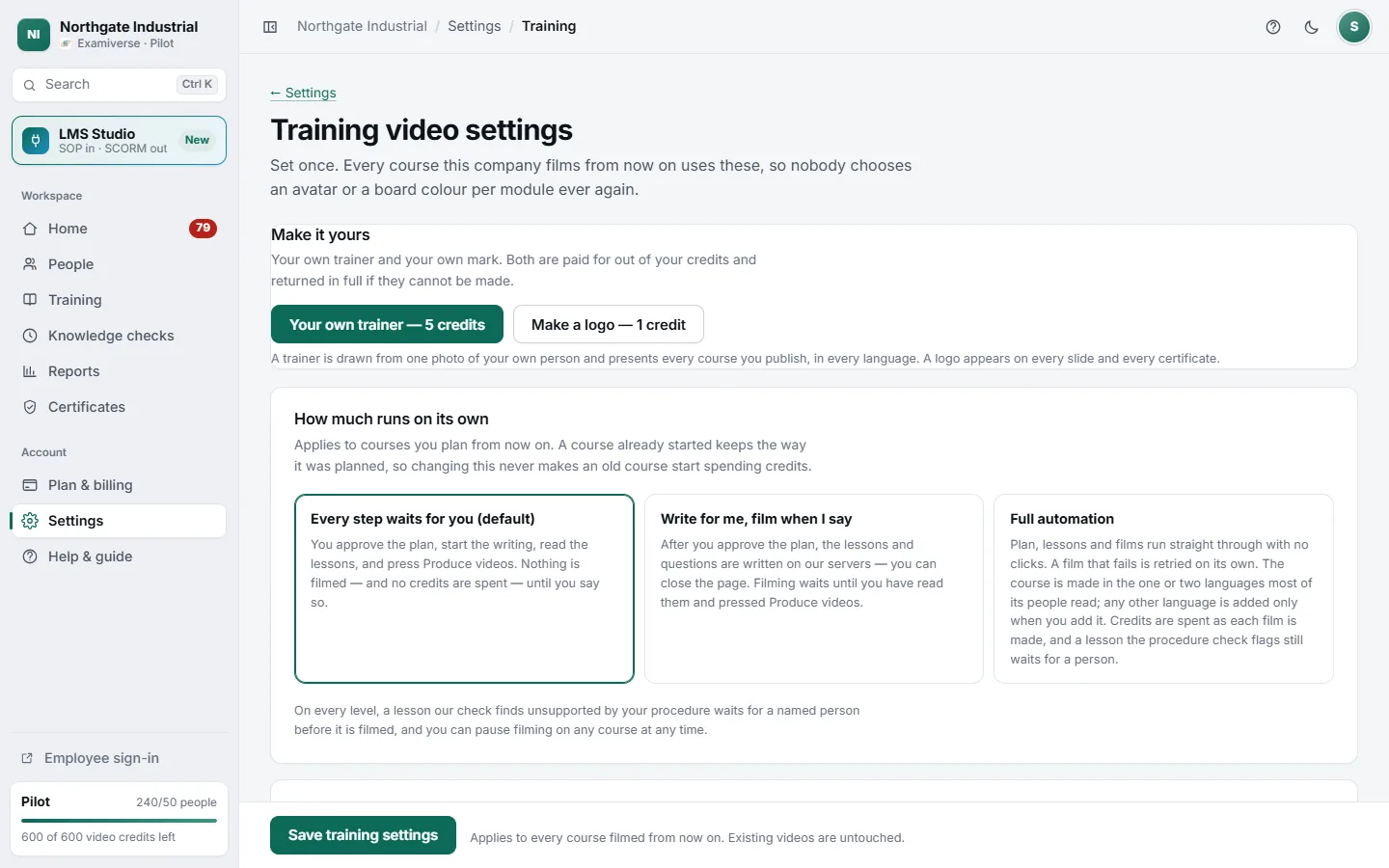
- 1Your own trainer from one photo, or a logo made for you
- 2Every step waits for you — the default
- 3Lessons written for you; filming when you say
- 4Full automation, straight through
Steps
-
Create your account
Sign up with your work email, or with Google or Microsoft. There is no paywall at sign-up: you can look around and plan a course before you choose a plan.
-
Tell it about the company
In Settings, set your company name, industry and jurisdiction. The industry decides what the pictures in your videos show — a hospital gets a hospital, a warehouse a warehouse — and the jurisdiction which regulations the plan draws on.
-
Add your logo
Upload it once in Settings. It appears on every video slide, every certificate and your employees’ sign-in page. No logo yet? Training settings can make one for you.
-
Choose your presenter and look
In Training settings pick the presenter, board style, colours and resolution every course uses. You can present with your own trainer, drawn from one photograph of a real person at your company.
-
Decide how much runs on its own
Under How much runs on its own, choose Every step waits for you, Write for me, film when I say, or Full automation. It applies to courses planned from then on.
The three automation levels
- Every step waits for you (the default). You approve the plan, start the writing, read the lessons and press Produce videos. Nothing is filmed, and no credits are spent, until you say so.
- Write for me, film when I say. After you approve the plan, lessons and questions are written on our servers — you can close the page. Filming waits for you.
- Full automation. Plan, lessons and films run straight through. A film that fails is retried on its own.