
Chapter 9 of 12 · all chapters
LMS Studio: one SOP in, a finished video or course for your LMS
Already have an LMS? Upload a procedure and download a SCORM 1.2 package with the video and its assessment, plus a Moodle question bank. No employee data needed.
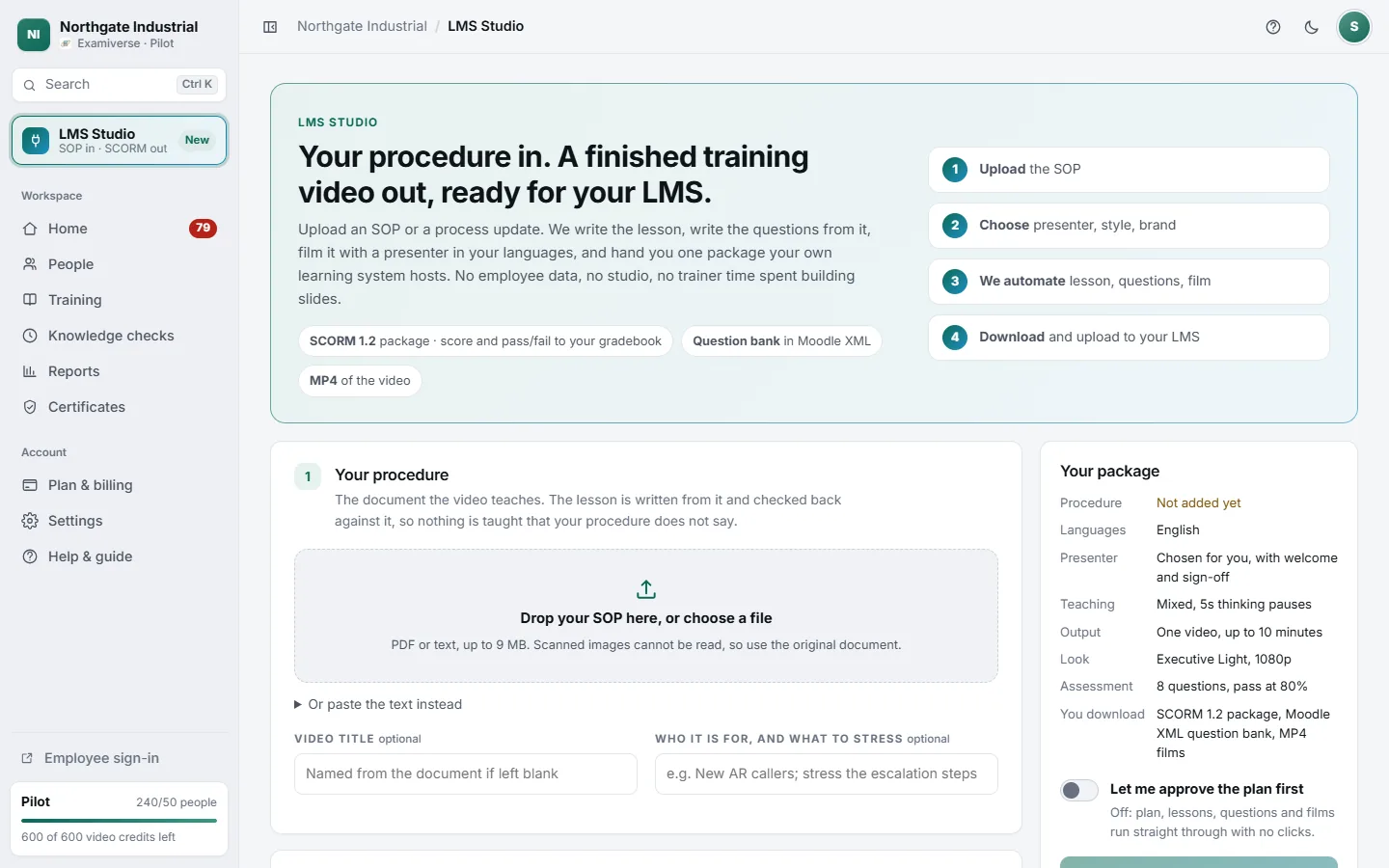
- 1Four steps from SOP to download
- 2Drop the SOP, or paste the text
- 3Your package, summed up as you choose
When to use it
Many large employers already run an LMS and will not move their people off it. What the LMS cannot do is make the content. LMS Studio makes it: one focused training video per procedure, or the whole procedure as a course of modules with a final assessment, packaged for your LMS. You do not add employees, roles or skills.
Steps
-
Add the procedure
Drop a PDF or paste the text. Give the video a title and, optionally, who it is for and what to stress.
-
Choose languages and presenter
Make it in up to two languages at once; add more later from the package page. Pick a presenter, or your own trainer.
-
Choose teaching style, length and look
Nine teaching modes, a length ceiling (the video is never padded to reach it), board style, logo, opening and closing cards, pictures beside the bullets and resolution.
-
Set the assessment
How many multiple-choice questions, how many written ones, and the pass mark.
-
Press Automate my video
Lesson, questions and film run on their own. Turn on Let me approve the plan first if you want to read the plan before anything is written. The package page shows each stage as it happens.
-
Download and upload to your LMS
Download the SCORM 1.2 package and upload it as it is (in Moodle: Add an activity → SCORM package). Import the Moodle XML question bank if your trainers build their own quizzes.
What goes into your LMS, and what does not
In the package
- The video, in every language you tick — learners pick theirs inside it
- Multiple-choice questions, scored inside the package
- Your pass mark, sent as the mastery score
- Score, pass or fail, time spent and resume point, reported to your LMS
Not in the package
- Written answers — they go in the Moodle question bank for your trainers to mark
- Our certificate, expiry and re-certification — your LMS issues its own
- Employee records — nothing is assigned to anyone in Examiverse