
Chapter 4 of 12 · all chapters
Make a training course from your procedure
Upload an SOP and get back a plan, then lessons written from your document, questions written from the lessons, and narrated video in every language.
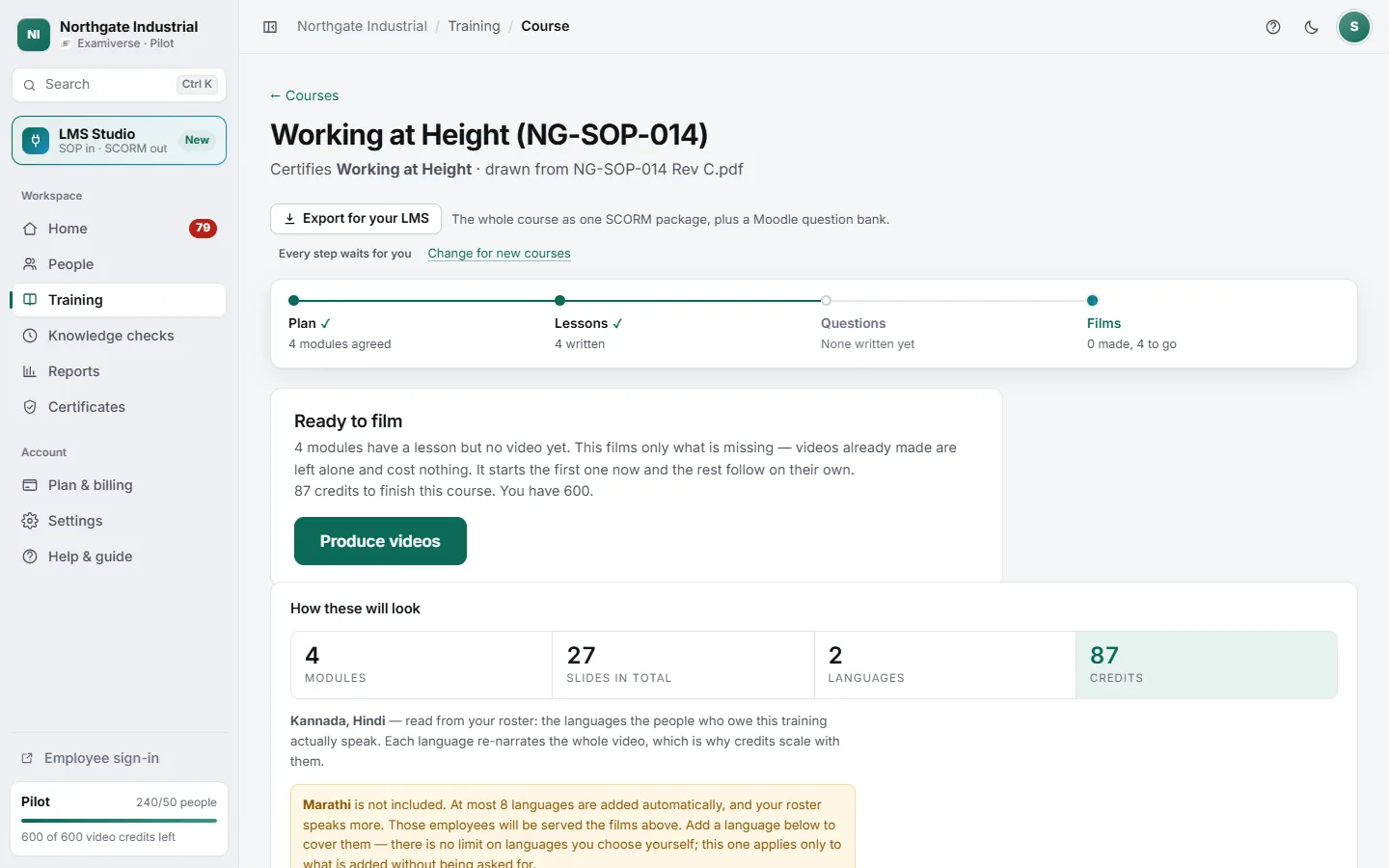
- 1Four stages: plan, lessons, questions, films
- 2Produce videos — press once; the rest follow
- 3Modules, slides, languages and credits, before you spend
- 4Every course can also be exported for an LMS
From document to finished course
-
Plan the course
In Training, choose what the course must certify, attach your procedure (PDF or pasted text), and press Plan the course. In under a minute you get a plan: module titles, lengths and questions. Nothing is filmed or charged yet.
-
Approve the plan
Change any title, then approve. The lessons and questions are written on our servers from your document — you can close the page. Each lesson is checked back against your procedure, and anything it cannot support is flagged for a person.
-
Read and approve the questions
Each module shows how many questions are waiting. Nothing reaches an employee until a named person has read them. Questions are always written from the lesson, never straight from the raw document.
-
Produce the videos
Press Produce videos once. The first module films now and the rest follow on their own, each in all of its languages. You can close the page; you never press it twice.
How a course is shaped
- The number of modules comes from your document, not a template: a short SOP makes a short course, a long manual a longer one.
- Nothing is padded. Where the source is thin the lesson is shorter — inventing a step your procedure does not contain is the one thing it must never do.
- Every board is chosen for its passage: bullets written in as the narrator reaches them, tables revealed row by row, flashcards, flow diagrams and worked calculations.
- A film that comes out wrong — too short, a slide missing, the wrong language — is held back before any employee sees it, and its credits are returned.