
A process change reaches every associate on every shift, and you see who understood it
Each change becomes a 1–2 minute update in your associates’ languages with three to five questions. It goes into your LMS as SCORM with the score, or straight to phones. You see who understood, not just who opened it.
Thousands of associates, and the process changed again
-
Peak season, new hires every week
A change has to reach every associate on every shift and every site, in a week.
-
Opened is not understood
A completion report shows who opened the module, not who understood the change.
-
Nobody has time for a 30-minute course
Associates need the change in a minute or two, on the floor, in their own language.
From a process note to a score per associate
-
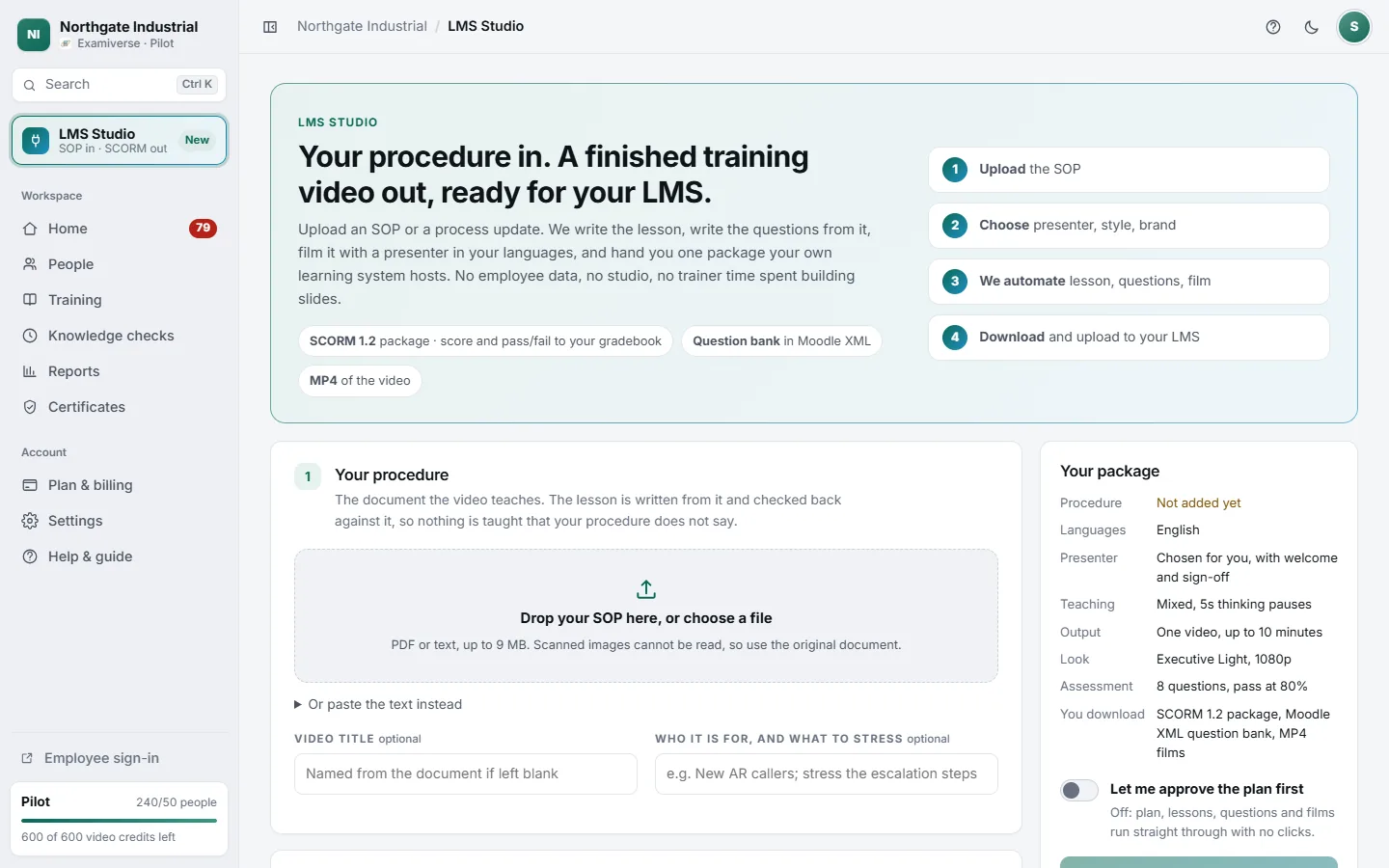
Send the process change
The SOP update, the new scanning rule or the safety notice, as it is.
-
A short update and a few questions
In each associate’s language. Every number is checked against your document, and your team approves the plan and the questions before anyone sees them.
-
A score per associate
In your LMS as SCORM with the score and pass or fail, or on phones with a certificate. Reports by person, role and site.
Short, scored, and in every language
-
Short updates
A 1–2 minute lesson with three to five questions, built only from your document. Lessons are as long as their material.
-
Into your LMS, with the score
SCORM that reports the score and pass or fail, plus MP4 files or a Moodle question bank.
-
Or straight to phones
Any phone browser, an employee number and a PIN. No app to install, no email address needed.
-
Who understood, by site
Reports by person, role, site, region and country, with CSV exports.
-
In each associate’s language
Films and written lessons in 64 languages, including Hindi, Telugu, Tamil, Kannada, Bengali, Odia and Marathi.
-
Every change, the same way
Change a lesson and choose who retakes it: at their next renewal, or now, by a date you set.
Practice calls are an optional extra: practice only, never the certificate.
Hear a delivery call in TeluguFor office teams and for frontline teams
Office teams
Planners, supervisors and support teams take policy updates on a laptop.
Frontline teams
Pickers, packers, drivers and delivery associates learn on any phone between shifts.
What buyers ask us
We already have an LMS. Do we need to change it?
No. Keep it. Examiverse makes what it plays: SCORM with the score, MP4 files and a Moodle question bank.
How short can a lesson be?
As short as the change. Lessons are as long as their material, so a one-page process note becomes a 1–2 minute update with three to five questions.
Do associates need an app?
No. Any phone browser, with an employee number and PIN. No email address is needed.
Can we see who understood the change, not just who opened it?
Yes. Every associate answers questions on the change, and you see the score per person, by site and role.
Which languages?
Films and written lessons in 64 languages, including Hindi, Telugu, Tamil, Kannada, Bengali, Odia and Marathi. The learner screens are in 18 languages.
Prices are quoted for each company: ask for a quote. How every step works is in the product guide.
See it on one of your own documents
Examiverse turns your document into lessons, tests, certificates and reports on its own. Tell us how many people and which languages, and we send a written quotation.