
Learn Examiverse
Everything you need to run workforce training on Examiverse — from handing over your first procedure to showing an auditor who is certified. 12 short chapters, about 36 minutes end to end, with the real screens.
- 1Upload a procedureSOP, method statement or policy
- 2Lessons and questions writtenFrom your document, checked against it
- 3Filmed in every languageNarrated, with a presenter
- 4Employees learn and are assessedOn their phone, in their language
- 5Proof that stays currentCertificates, evidence, re-certification
Start here
What the platform does, and setting up your company.
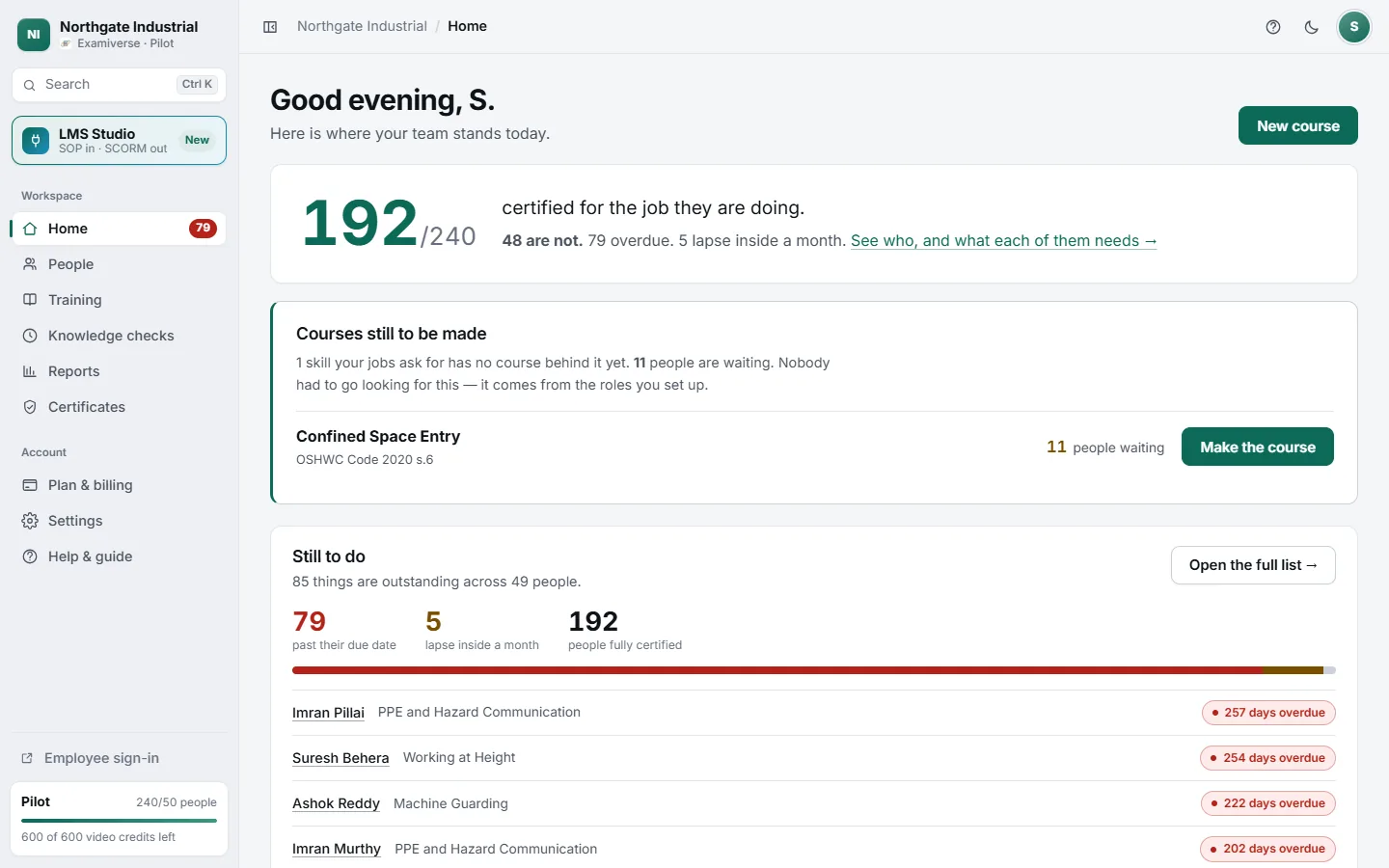
What Examiverse does, and who it is for
Examiverse turns your procedures into video training in your people’s own languages, assesses them, and keeps proof that each person can do the job.
Read →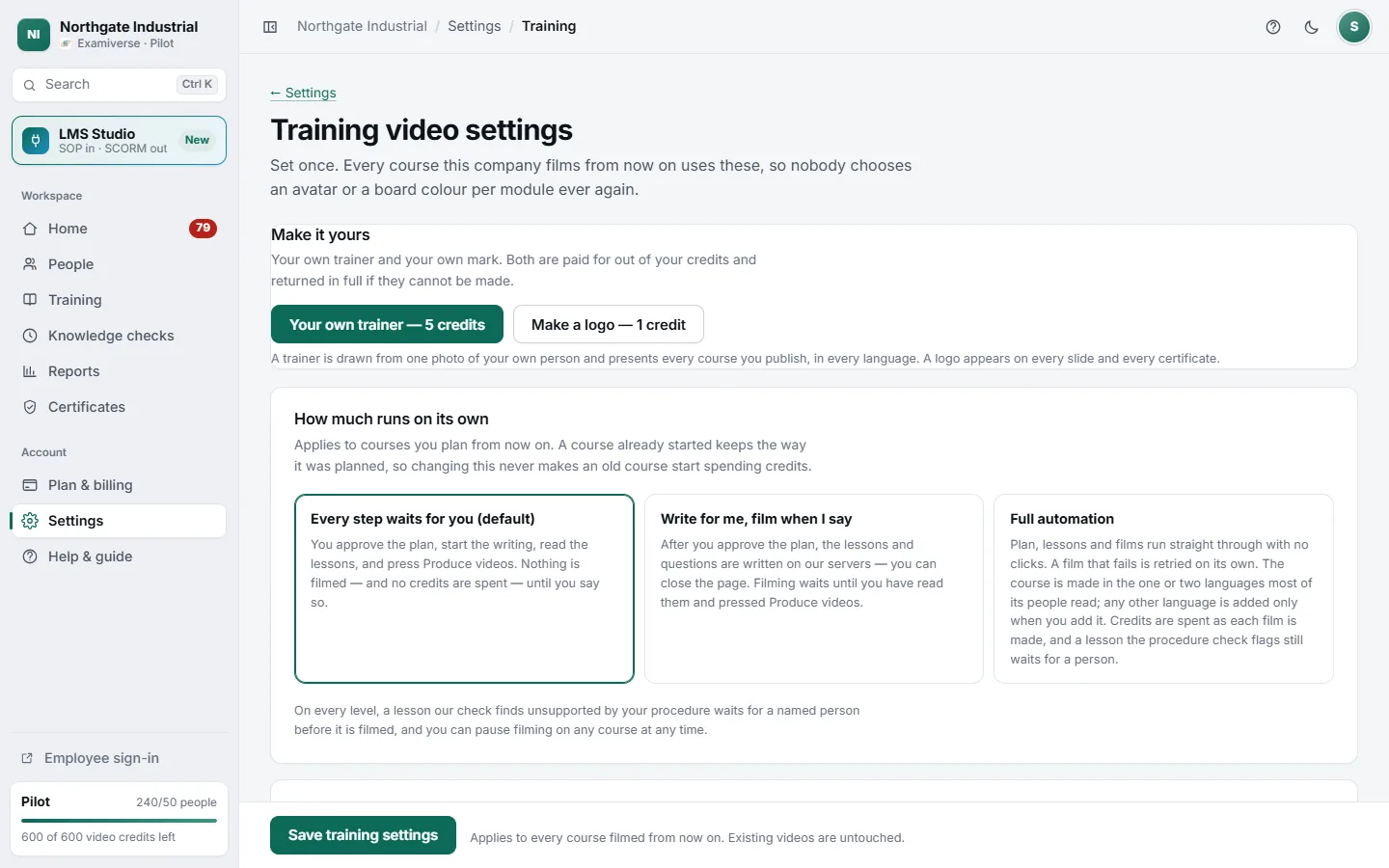
Set up your company in ten minutes
Create your account, add your logo and industry, and choose how much of course making runs on its own. Everything here is set once.
Read →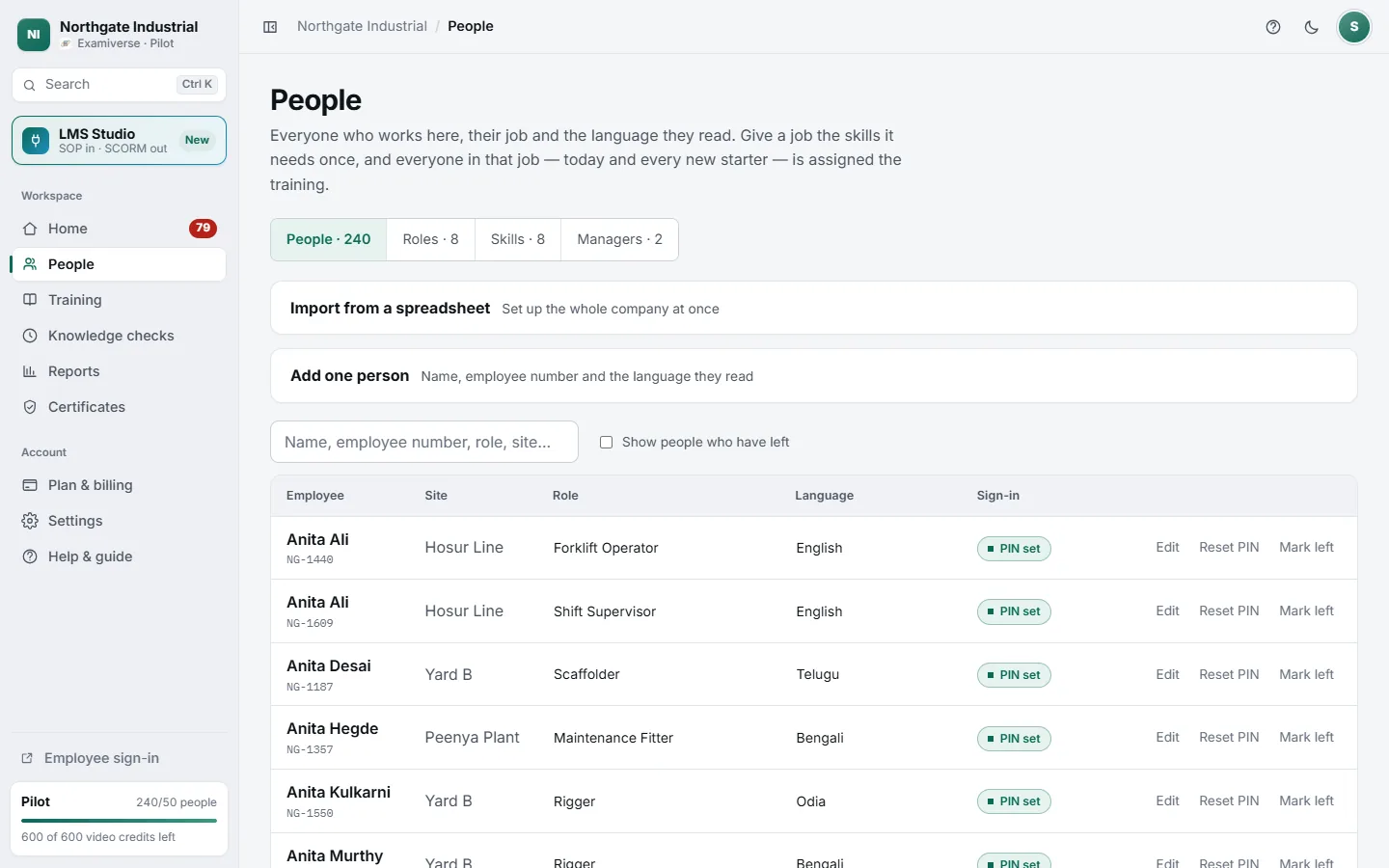
Add your people, their jobs and what each job needs
Skills attach to the job, not the person. Say once what a role needs and everyone in it — including next month’s new starter — is assigned the training.
Read →Make training
From a procedure to finished, assessed video in every language.
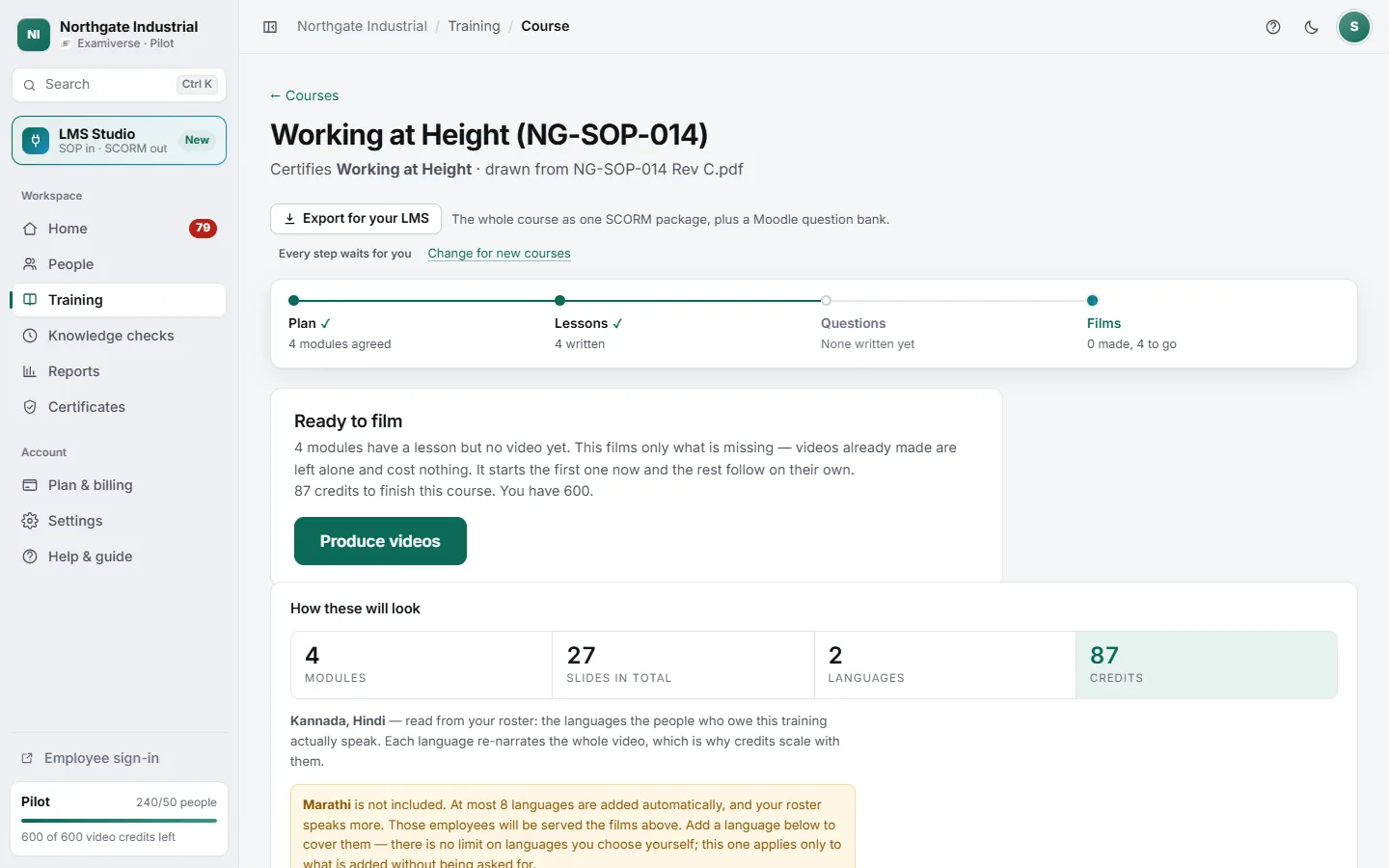
Make a training course from your procedure
Upload an SOP and get back a plan, then lessons written from your document, questions written from the lessons, and narrated video in every language.
Read →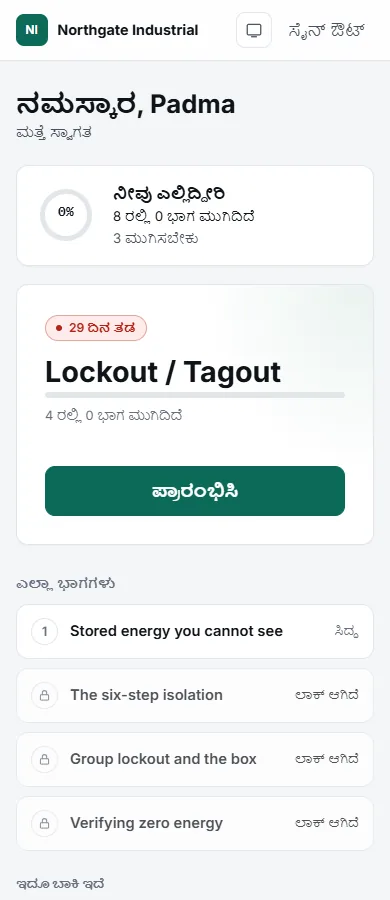
Training in every language your people read
Lessons, questions and narration are made in each language, not subtitled. Languages come from your roster, or exactly the ones you choose.
Read →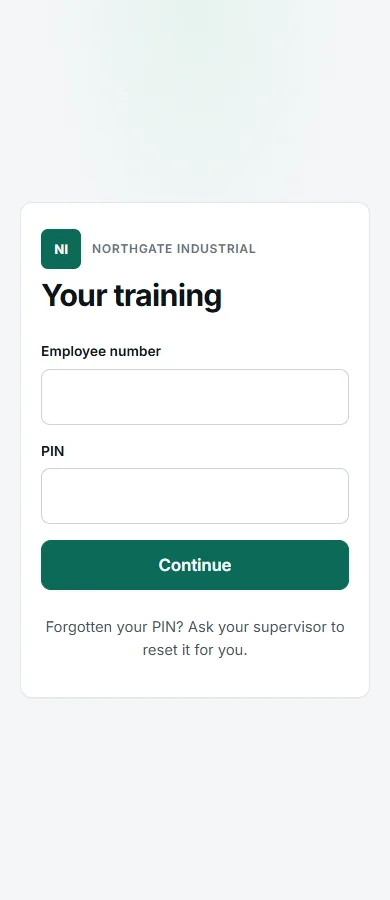
How your employees sign in, learn and are assessed
Employees sign in on any phone with an employee number and PIN, watch in their own language, answer questions, and see their result straight away.
Read →Prove it
Certificates, audit evidence, reports and refreshers.
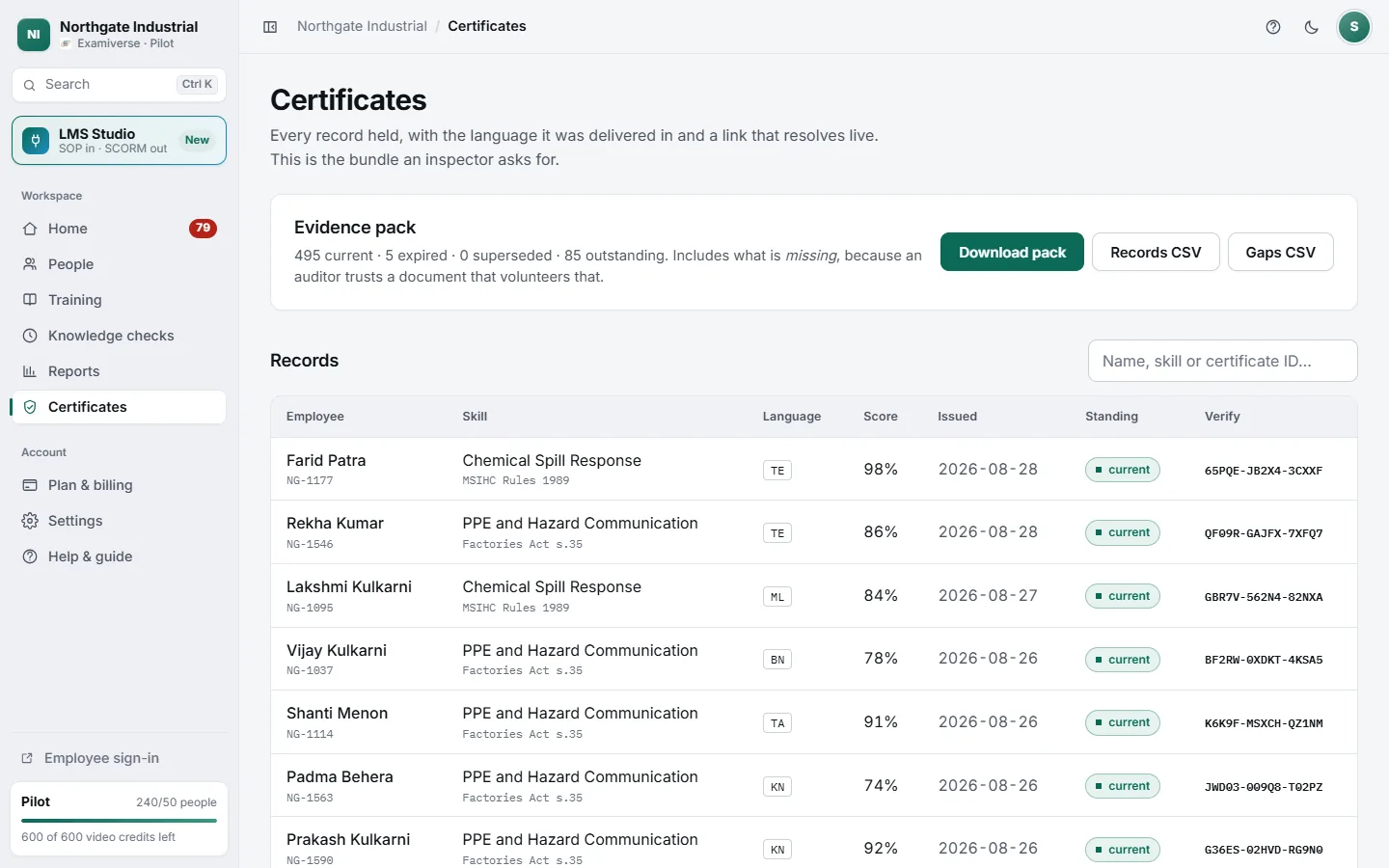
Certificates, verification and audit evidence
Every pass is a record with a public verification link. Download the evidence pack an inspector asks for, including what is still missing.
Read →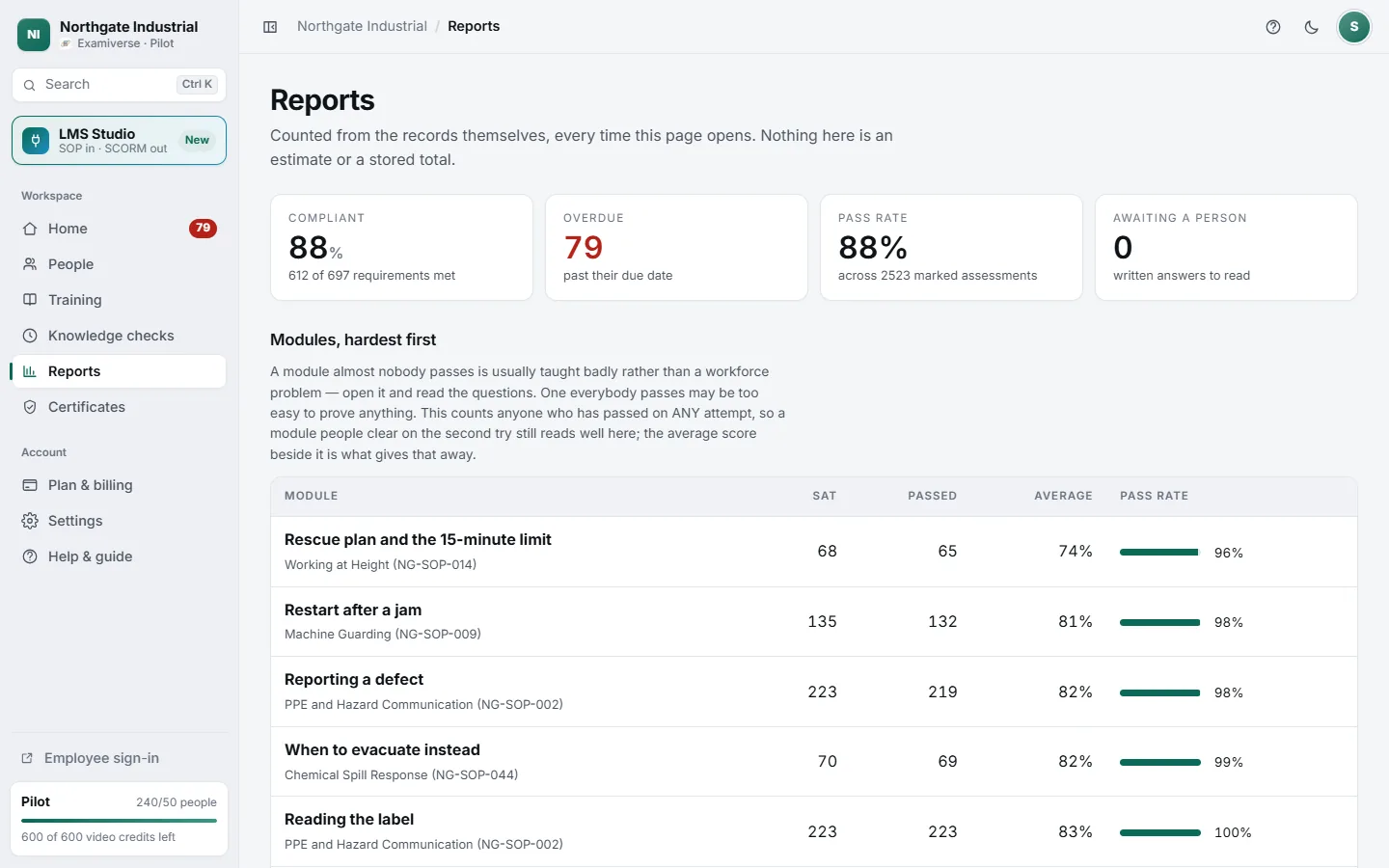
Reports and recurring knowledge checks
See where you stand by role, site, module and language, and send short recurring checks to find out whether the training stuck.
Read →Keep your own LMS
Packages your learning system hosts.
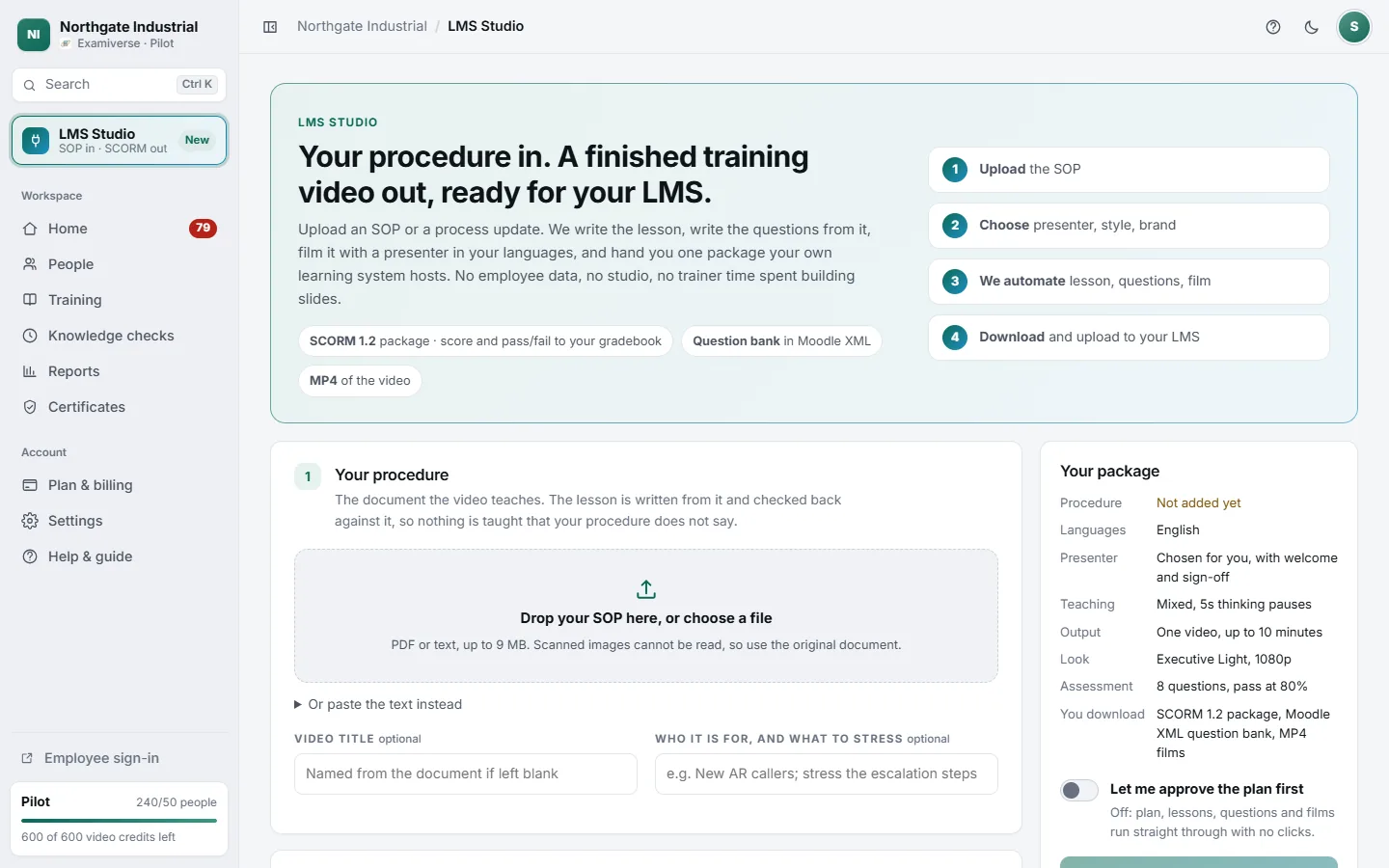
LMS Studio: one SOP in, a finished video or course for your LMS
Already have an LMS? Upload a procedure and download a SCORM 1.2 package with the video and its assessment, plus a Moodle question bank. No employee data needed.
Read →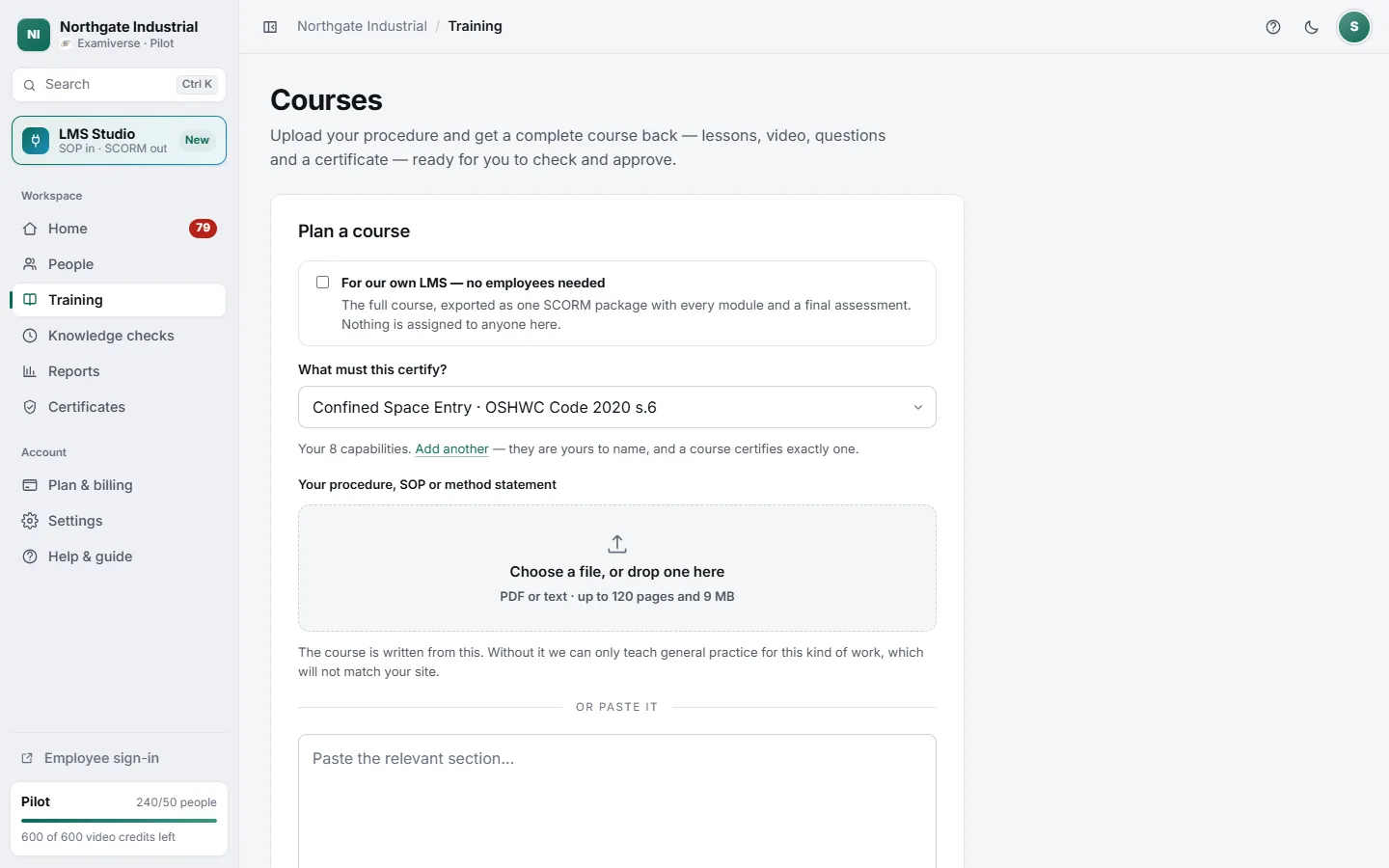
Export any course to your LMS as SCORM
Every course in Training can leave as one SCORM 1.2 package with each module and a final assessment, plus a Moodle XML question bank. A course made only for your LMS is made in LMS Studio.
Read →Running it
Paying for it, and what carries on without you.
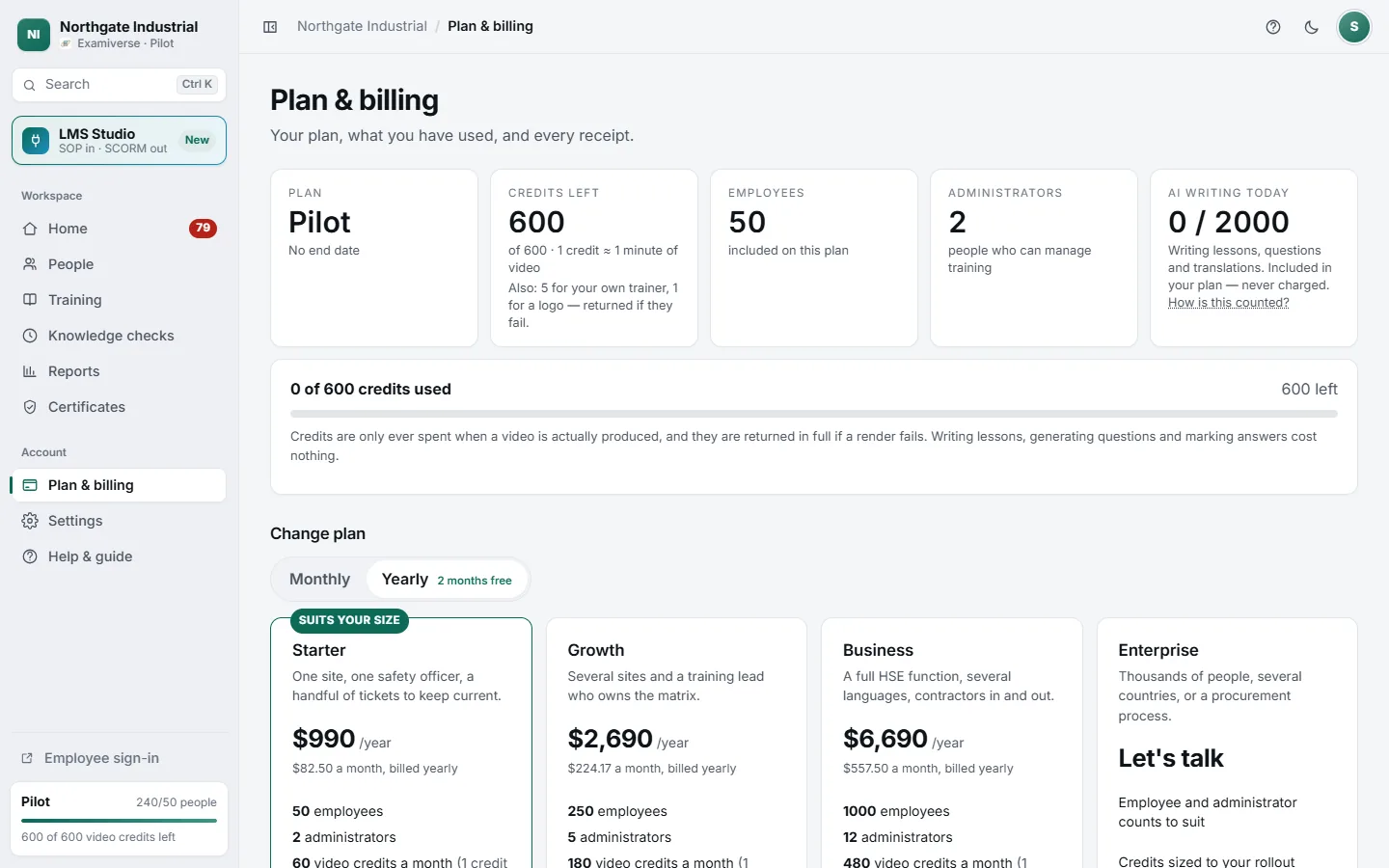
Plans, credits and billing
Plans are sized by employees and admins. Credits pay for finished video, about one credit per minute; planning and writing are included.
Read →What needs you, and what runs on its own
Know which steps wait for a person and which carry on without you, so you can tell waiting from stuck at a glance.
Read →Try it on one of your own procedures
The quickest way to understand it is to watch it turn your SOP into a course.