
Chapter 3 of 12 · all chapters
Add your people, their jobs and what each job needs
Skills attach to the job, not the person. Say once what a role needs and everyone in it — including next month’s new starter — is assigned the training.
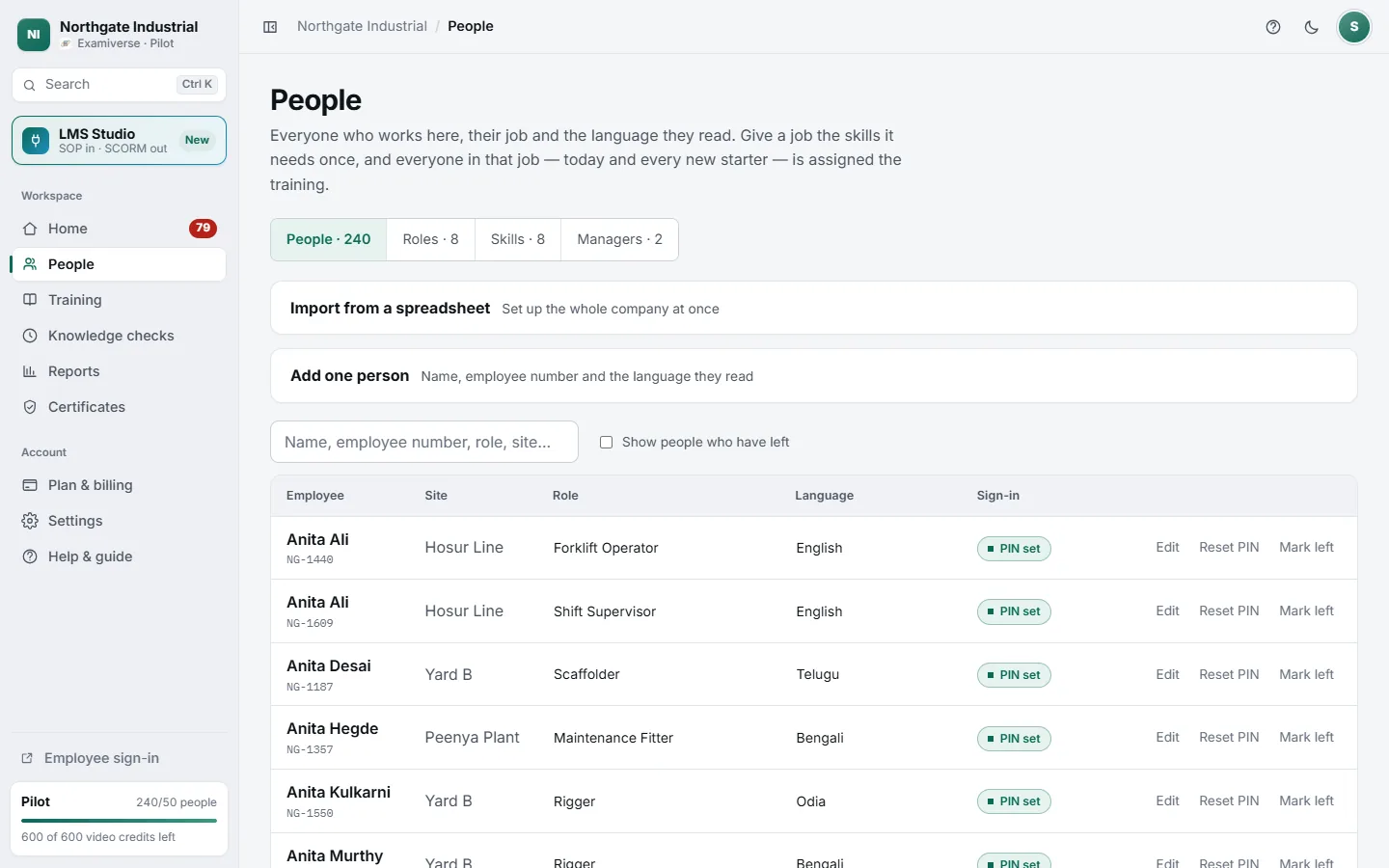
- 1People, Roles, Skills and Managers
- 2Set up the whole company from one spreadsheet
- 3Language decides which video they are taught in
- 4Each person needs a PIN to sign in
The order that makes it automatic
-
Name the skills
A skill is one thing a person must be able to do correctly — "Working at Height", "Handling Patient Data", "Cash Handling". You name them; nothing is preset. Each carries how long a certificate stays valid, how long a new starter has, and how early renewal opens.
-
Add your job roles
Use your own job titles. A role is what a job demands, so you say it once and it applies to everyone who holds it.
-
Link roles to skills
On the Roles tab, pick the skills each role needs. This is the step that makes everything else automatic — a role with no skills demands nothing, and the people in it see an empty screen.
-
Add your people
Name, employee number, site, role and the language they read. No email address needed — most of a workforce does not have a work one.
-
Create PINs and share the link
Create PINs for everyone who has none, hand them out, and share your team’s sign-in link from Settings. Each person picks their own PIN the first time they sign in.
Setting up from a spreadsheet
Import from a spreadsheet can create your people, job titles and what each job demands in one upload. Only name and employee number are required; language, role and skills are optional columns. Any role or skill you name that does not exist yet is created, and re-importing never removes anything.